
Ebook Content
Creating and managing interactive digital textbooks and reading materials
How to Create Interactive Ebook Content with AI?
Ebooks in LetLMS are interactive digital textbooks that provide rich reading experiences with multimedia elements, navigation features, and student engagement tools.
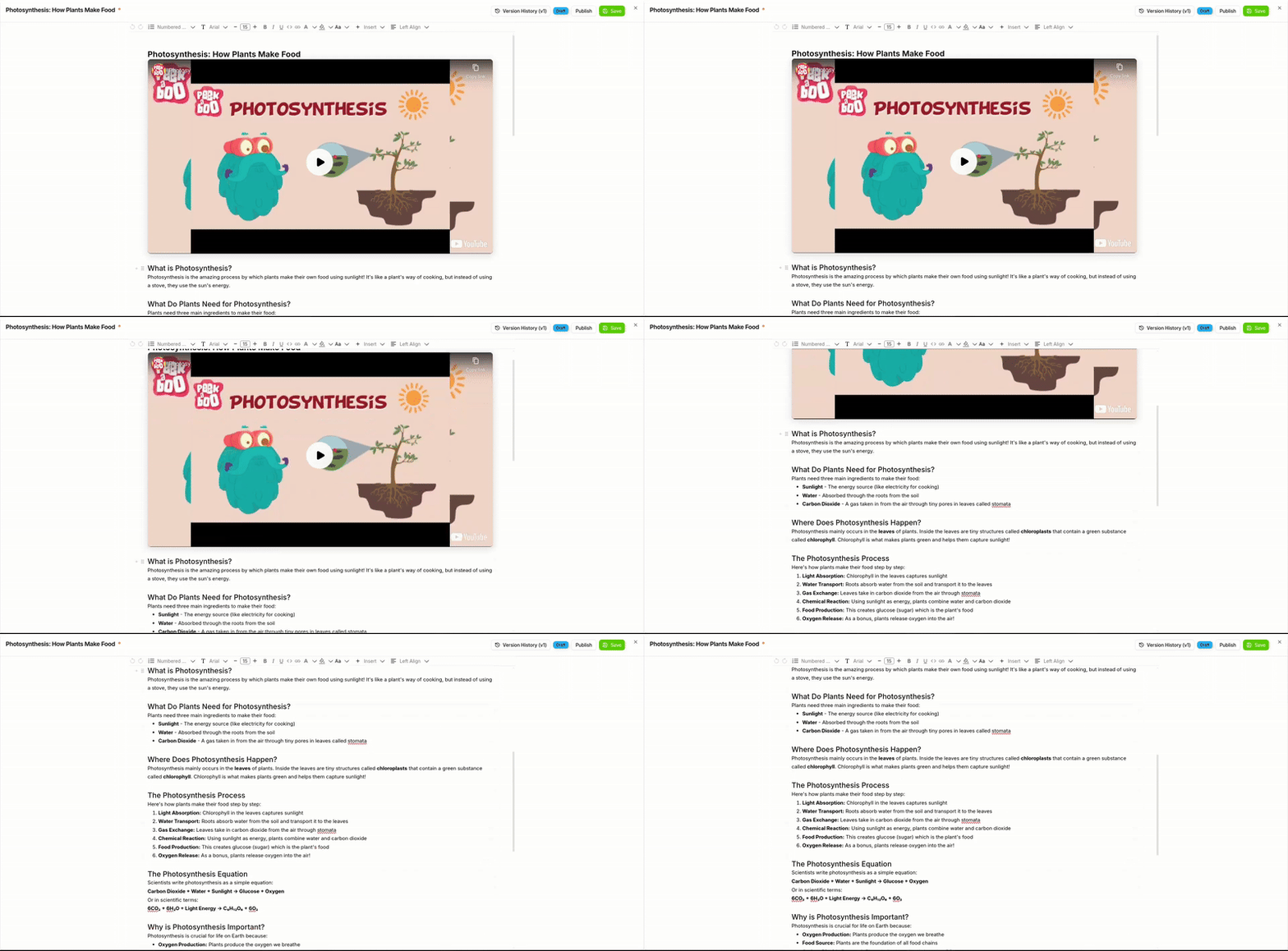
Creating Ebook Content
Basic Setup
-
Add Ebook Content Block
- In the course editor, click "Add Content"
- Select "Ebook" from the content types
- Enter a title for your ebook chapter

Add Ebook
Rich Text Features
LetLMS ebooks support comprehensive text formatting:
- Typography: Headers, paragraphs, lists, and text styling
- Links: Internal references and external resources
- Tables: Structured data presentation
- Code Blocks: Syntax-highlighted code examples
- Blockquotes: Highlighted quotes and important notes
- Multimedia: Videos, Images for better presentation
- Diagrams and FlowCharts: Visualize concepts and processes with integrated diagram and flowchart tools
Multimedia Integration
Images and Graphics
- High-Quality Images: Upload images up to 10MB
- Captions: Add descriptive captions for accessibility
- Alt Text: Provide alternative text for screen readers
- Image Galleries: Create collections of related images
Video Content
- Embedded Videos: YouTube, Vimeo, or direct video files
- Video Quizzes: Interactive quizzes that appear during video playback
- AI Video Search: Search and get relevant YouTube videos with AI assistance
For more content types, explore: